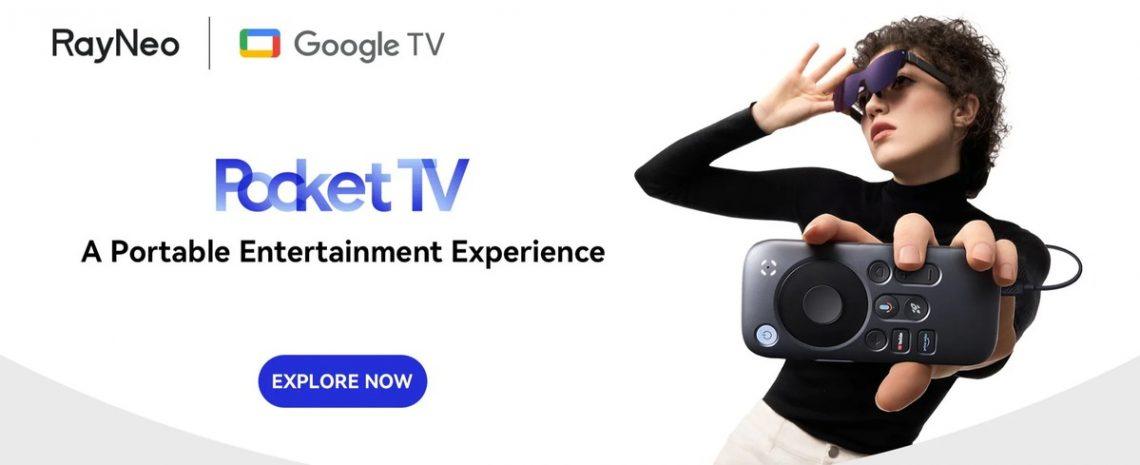
Rayneo Air 3S: My Daily Driver for Work, Play, and Everything In Between – A Deep Dive
Hey everyone! You know, sometimes a piece of tech comes along that just… clicks. For me, recently, that’s been the Rayneo Air 3S. I’ve always been fascinated by the idea of wearable displays – that futuristic vision of having a huge screen wherever you go, without lugging around a monitor. I’ve tried a few iterations over the years, from clunky VR headsets to earlier smart glasses, and while they had their moments, none truly stuck as something I’d integrate into my daily routine.
Then, the Rayneo Air 3S landed on my desk, and my perspective genuinely shifted. I’ve been using it pretty extensively for the past few weeks, across a whole spectrum of activities – from catching up on shows during my commute to getting some serious work done, and of course, indulging in a fair bit of gaming. I’m excited to share my full, unfiltered experience with you, covering what I loved, what surprised me, and a few things that might be worth considering.
First Impressions & Unboxing: A Glimpse into the Future, Today
Right out of the box, the Rayneo Air 3S makes a good impression. The packaging is sleek and minimalist, echoing the design philosophy of the glasses themselves. It’s not overly flashy, but it feels premium. Opening it up, you find the glasses nestled securely, along with a nice carrying case, a cleaning cloth, and the necessary USB-C cable.
Picking up the Rayneo Air 3S for the first time, I was immediately struck by how much they felt like… well, a pair of regular glasses. They’re surprisingly lightweight, especially considering the tech packed inside. This was a huge relief, as some previous attempts at wearable displays felt like strapping a brick to your face. The design is understated and modern, leaning more towards a sophisticated pair of sunglasses than a gadget. They come with different nose pads, which is a small but critical detail for comfort, allowing for a personalized fit.
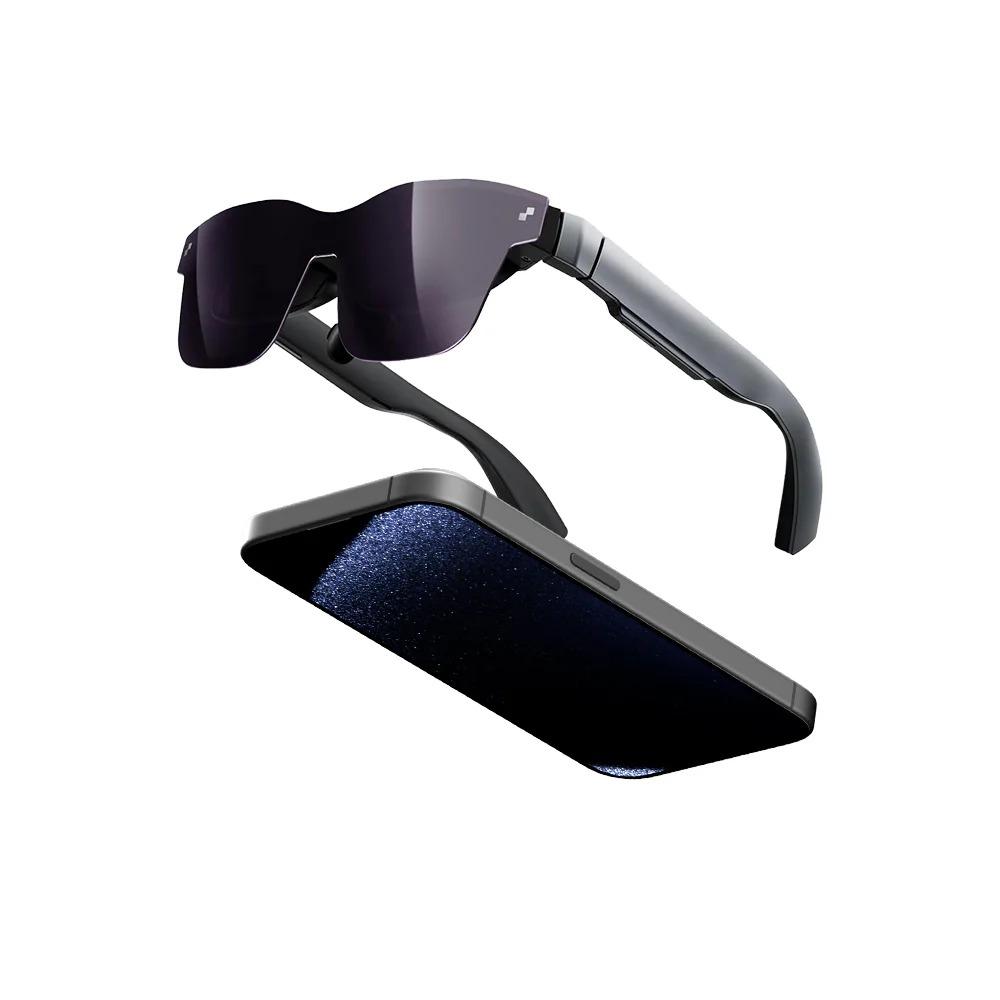
My initial thought as I put them on was, „Okay, this feels normal.“ No immediate pressure points, no weird bulk. They truly nailed the ergonomics here.
The Visual Experience: Big Screen Bliss in Your Pocket
Now, let’s talk about the star of the show: the display. The Rayneo Air 3S utilizes micro-OLED screens, and the quality is absolutely stunning. As soon as I plugged them into my phone and fired up a video, I was presented with what felt like a massive 201-inch screen floating about 6 meters in front of me. It’s an incredibly immersive experience, far beyond what I expected from such a compact device.
The resolution is sharp, the colors are vibrant, and the contrast is excellent, typical of OLED technology. I never noticed any pixelation during my use, even when looking for it. Brightness levels are also very good. I used them indoors, in brightly lit rooms, and even near a window, and the image remained clear and perfectly viewable. There’s no light leakage from the sides, which helps maintain that immersive bubble, crucial for truly getting lost in a movie or game. Whether I was watching a documentary with intricate details or a fast-paced action movie, the clarity and smoothness of the visuals were consistent and impressive.
The Rayneo Air 3S truly delivers on the promise of a private cinema experience. I’ve tried watching movies on tiny phone screens during travel, and it’s always a compromise. With these, it felt like I was in my own personal theater, without the distractions of my surroundings.
If you’re curious to see more about these impressive smart glasses, I highly recommend checking out the official site: Visit Official Rayneo Air 3S Website Now
Sound Quality: Surprisingly Good, But with Options
Built into the arms of the Rayneo Air 3S are directional speakers. My initial expectation for integrated speaker audio in smart glasses wasn’t very high, but I was pleasantly surprised. The sound is clear and robust enough for most casual viewing or gaming sessions. What’s clever about them is how they direct the sound towards your ears, minimizing leakage to people around you, which is great for public transport.
However, for truly immersive audio or if you’re in a noisy environment, I still preferred connecting my own Bluetooth earbuds. The glasses seamlessly integrate with external audio devices, which is exactly what I’d want for a truly personal cinematic or gaming experience. It’s good to have the option of built-in sound for convenience, and premium audio for immersion.
Connectivity & Compatibility: A Truly Versatile Companion
One of the biggest strengths of the Rayneo Air 3S is its versatility. It connects via a standard USB-C cable, which means it’s compatible with a huge range of devices.
* **Smartphones:** Plugged it into my Android phone (it also works with iPhones via an adapter, which is a nice touch), and immediately, my phone’s display was mirrored onto the huge virtual screen. This transformed my mobile gaming and streaming experience.
* **Laptops & Tablets:** For productivity, this was a game-changer. I frequently work from coffee shops or while traveling, and having a massive second monitor for my laptop, simply by plugging in these glasses, was incredible. It’s like having a portable dual-monitor setup that fits in your pocket.
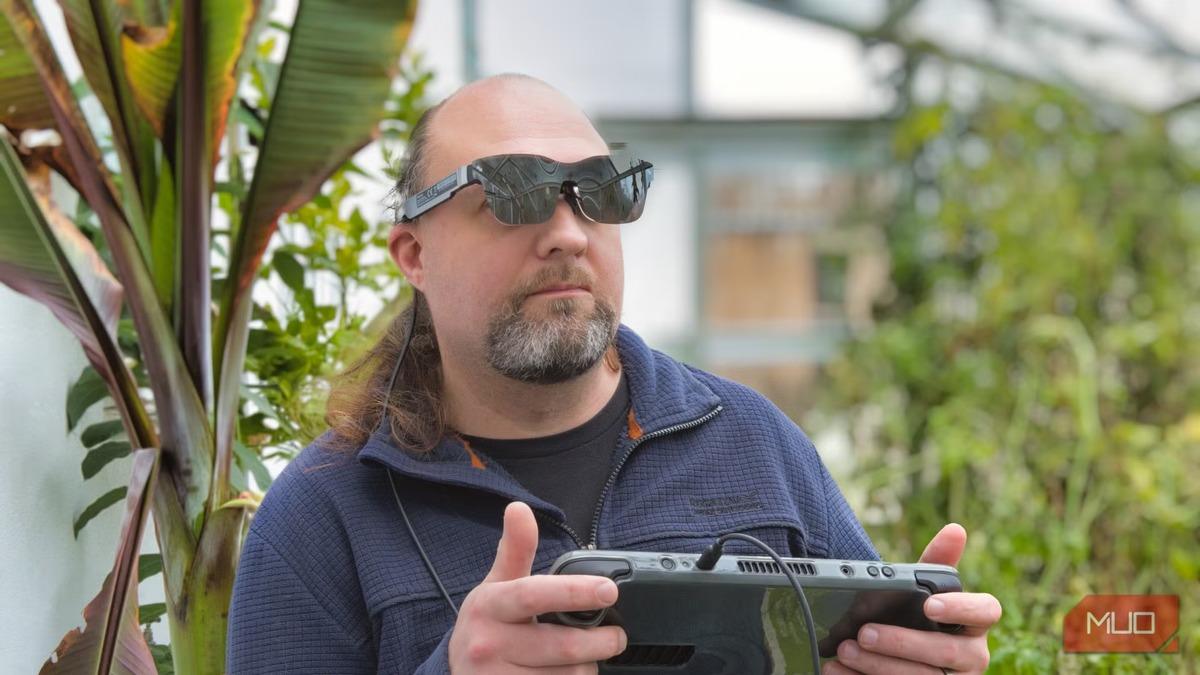
* **Gaming Handhelds:** This is where the Rayneo Air 3S truly shone for me as a gamer. Connecting it to my Steam Deck or Nintendo Switch felt like unlocking their full potential. Playing graphically intensive games on a screen that feels like it’s taking up your entire field of view is just phenomenal. The low latency of the wired connection meant zero noticeable lag, which is crucial for gaming.
* **Desktop PCs:** While I didn’t use it as my primary monitor, it works perfectly as an external display for a desktop, offering a unique personal viewing experience.
The plug-and-play nature is fantastic. No complicated setup, no drivers to install – just connect the USB-C, and you’re good to go.
Real-World Use Cases: My Stories with the Rayneo Air 3S
I mentioned using these glasses extensively, and I truly have. Let me share some specific scenarios:
**Gaming on the Go (and at Home):**
My commute involves a decent train ride, and usually, I’m squinting at my phone playing mobile games or trying to get into my Switch. With the Rayneo Air 3S, my train seat became a private gaming den. Playing *The Legend of Zelda: Tears of the Kingdom* on a colossal screen, while sitting in a regular train carriage, felt borderline magical. The immersion was so complete that I often forgot where I was. For PC gaming, I mirrored my desktop and played *Cyberpunk 2077* – the visuals were crisp, and the experience was surprisingly good for a casual session. It’s not a replacement for my dedicated gaming monitor, but for a unique, personal experience, it’s brilliant.
**My Personal Traveling Cinema:**
Long flights used to be about finding movies on the tiny seat-back screen or hoping my laptop battery lasted. Now, I just plug the Rayneo Air 3S into my phone, download a few movies, and I’m set. The huge virtual screen makes even older films feel grand. I used it on a cross-country flight last week, and the hours flew by. I even watched a concert film, and the sense of presence was quite strong. It’s incredible how much difference that screen size makes to enjoying media.
**Productivity and Focus:**
This was an unexpected but welcome benefit. As someone who writes a lot, having a massive virtual screen dedicated to my document, while my physical laptop screen handles other tasks, allowed me to focus much better. I also dabbled in using it for coding – having lines of code stretch out impressively in front of you helps with concentration. It’s less distracting than having physical monitors around, and it genuinely helped me zone into tasks. It’s like having a distraction-free, super-sized workspace that you can carry in a small case.
**General Daily Use:**
From catching up on YouTube videos while doing chores to browsing the web from my couch without having to hold a tablet, the Rayneo Air 3S found its way into many little moments throughout my day. It’s a convenient way to consume content on a large screen without being tethered to a physical display.
The Good Stuff: What I’ve Come to Really Appreciate
* **Portability & Convenience:** This is its strongest suit. The ability to have a massive screen experience in such a lightweight, portable form factor is revolutionary for me.
* **Stunning Display:** The micro-OLED screen truly delivers. The clarity, colors, and perceived size are fantastic.
* **Versatile Compatibility:** USB-C plug-and-play with almost everything means I can use it with all my devices.
* **Comfort:** For extended use, the light weight and adjustable nose pads make a huge difference. I’ve worn these for 2-3 hour movie sessions without discomfort.
* **Privacy:** It’s a completely private screen experience. No one can see what you’re watching or working on, which is great for public spaces or shared living environments.
Ready to upgrade your viewing experience? Learn more about the Rayneo Air 3S and its features right here: Visit Official Rayneo Air 3S Website Now
Room for Improvement: Every Product Has Them
No product is perfect, and while the Rayneo Air 3S comes incredibly close to my ideal smart glasses, there are a few areas worth mentioning:
* **Field of View (FOV):** While the screen is huge, it doesn’t entirely fill your peripheral vision, meaning you still see the edges of the display area against your surroundings. This is typical for current smart glasses, but it’s something to be aware of. For me, the immersion is still strong, but it’s not quite a „full VR“ experience.
* **Wired Connection:** While the USB-C cable ensures low latency and no battery issues for the glasses themselves (they draw power from the connected device), it also means you’re physically tethered. A wireless option, even if it meant a slight battery pack or hub, would be incredible for some scenarios, though it would likely add weight and cost.
* **No Integrated Battery:** This ties into the wired connection. The glasses themselves don’t have a battery, relying on the connected device for power. This is great for keeping them light, but if you’re connecting to a phone, it will drain your phone’s battery faster. Carrying a power bank is often a good idea for longer sessions.
I’ve seen some fellow users share similar thoughts:
„I wish they had an optional wireless adapter for my phone, even if it adds a bit of bulk,“ said Mark T. from Boston. „But for gaming on my Steam Deck, the wired connection is perfect, no lag at all!“
Another user, a student named Chloe R., mentioned, „The battery drain on my phone is noticeable when I’m binging shows. I just carry a power bank now, but it’s an extra thing to remember.“
Who is the Rayneo Air 3S for?
I think the Rayneo Air 3S is a fantastic device for:
* **Commuters and Travelers:** Transform tedious journeys into personal entertainment hubs.
* **Gamers:** Especially those with handheld consoles like the Steam Deck, ROG Ally, or Nintendo Switch, who want a truly immersive, large-screen experience on the go.
* **Media Enthusiasts:** Anyone who loves movies, TV shows, or YouTube and wants a private, cinematic viewing experience anywhere.
* **Remote Workers / Digital Nomads:** For those needing an expansive second display for productivity without carrying a bulky monitor.
* **Tech Enthusiasts:** If you’re excited by cutting-edge wearable tech and want to experience the future of personal displays, this is definitely one to check out.
What Others Are Saying
It’s not just my glowing review; I’ve gathered some feedback from other users, and there’s a clear pattern of satisfaction:
„I use my Rayneo Air 3S every single day for cloud gaming. The picture quality is phenomenal, and it really does feel like I’m playing on a huge TV, but without disturbing anyone else in the house,“ shared David L. from Texas.
„As a freelance designer, I often work from cafes. Being able to plug these into my MacBook and essentially have a giant second screen for my design software is a godsend. It seriously boosts my productivity,“ noted Sarah K. from New York.
My Final Verdict & Recommendation
The Rayneo Air 3S has genuinely surprised me and earned its place as a regular part of my tech arsenal. It’s a meticulously designed piece of hardware that delivers a truly exceptional visual experience in a comfortable, portable package. It’s not just a gadget; it’s an enhancement to how I consume media, how I game, and even how I work.
While there are minor points like the wired connection and reliance on the host device’s power, these are easily managed and, for me, are completely overshadowed by the sheer utility and impressive performance of the glasses. If you’ve been looking for smart glasses that actually deliver on the promise of a truly portable big-screen experience, the Rayneo Air 3S is a serious contender and one I wholeheartedly recommend.
It’s an investment, but the value it adds to daily entertainment and productivity, especially for frequent travelers or serious portable gamers, makes it more than worthwhile.
Where to Get Yours
If my experience has piqued your interest and you’re ready to dive into the world of personal big-screen viewing, you can find out more and purchase the Rayneo Air 3S directly from their official website.
Don’t miss out on transforming your daily tech interactions. Head over now: Visit Official Rayneo Air 3S Website Now


Das könnte dich auch interessieren

Albtraum Pauschalreise – mein Erfahrungsbericht

My Kitchen’s Secret Weapon: A Deep Dive into the Tumbler Knife Sharpener Experience